The simple robotic arm that is still interesting is a 3-DOF planar manipulator.
With just three revolute joints, it already exposes reach limits, redundancy trade-offs, and workspace structure. It is simple enough to model from scratch, yet reach enough to surface real design questions.
In this note, I’ll build the model from first principle and explore what its geometry tells us, not just how to compute positions, but what design choices actually change.
What Forward Kinematics Really Is
Forward kinematics (FK) answers a simple question:
Given the joint angles, where is the end-effector?
We’ll consider a planar arm with 3 revolute joints:
Joint angles:
Link lengths:
All motion lies in the plane.
Each joint rotates relative to the previous link. So the orientation of each link accumulates:
Link 1 orientation:
Link 2 orientation:
Link 3 orientation:
A visualization of this robot is shown below:
Figure 1: 3-DOF planar arm
We can compute the position of the end-effector using the equations:
Notice that the second link’s position accumulates the rotation of the first and the third accumulates the rotation of the first two. This simple dependency is where most of the structure comes from.
If one link is too long relative to the others, a “hole” appears in the center of the workspace. For example if:
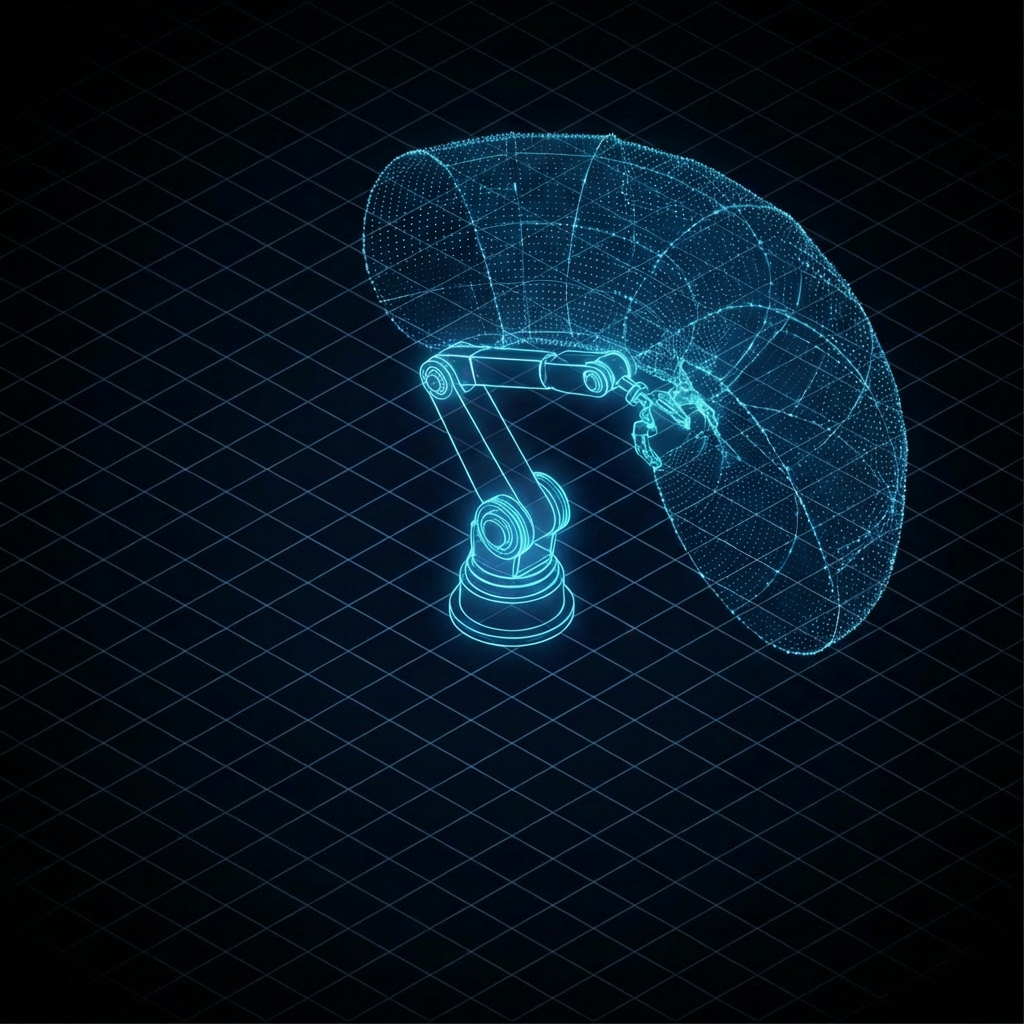
Then there is a region in the base that is unreachable. The image below show the robot workspace with L1 = 1.5, L2, = 1, and L3 = 0.2.
Figure 2: 3-DOF planar arm workspace with L1 = 1.5, L2 = 1.0 and L3 = 0.2.
Redundancy Trade-off
In 2D, a task space position (x,y) has two variable. But we have three joint angles. That means the system is redundant for positioning. For most reachable points, there are infinitely many joint solutions. This is powerful:
You can avoid joint limits
You can avoid obstacles
You can minimize energy
You can shape manipulability
But it also introduces decision-making because the robot must choose which possibility to use.
Singularities Are Visible in the Equations
Consider when the arm is fully stretched:
The links align. Small changes in joint angles produce very little change in lateral motion. This creates velocity collapse in certain directions.
Design Choices: What Actually Changes?
Now let’s ask a deeper question:
If I change link lengths, what fundamentally changes?
Increasing (the base link)
Expands outer reach
Increases swept area
Amplifies distal inertia
Enlarges singular region when extended
This is why long proximal links make robots powerful but heavy and dynamically expensive.
Increasing (the distal link)
Increases fine positioning range
Increases tip inertia significantly
Makes precision harder in high speed motion
This is why distal links are often short and lightweight in industrial robots.
Making Links Equal Length
When:
The workspace becomes more uniform, manipulability distribution improves, and the arm becomes “balanced” geometrically. But this is rarely optimal for a specific industrial task. Task geometry often dictates asymmetry.
Configuration Space vs Workspace
When you sample uniformly in joint space (also called configuration space) and then you map those samples through forward kinematics:
this mapping is nonlinear, distorting volume. Some regions will look dense and some are sparse as shown in the image below. Here, the link lengths are [1.0, 1.0, 0.2] and the joint limits are , and .
Figure 3: 3-DOF planar robot sample workspace with joint limits.
Here are the functions that uniformly samples the joint space:
    def sample_joint_space(self, n_samples):
        qs = []
        for i in range(self.dof):
            low, high = self.joint_limits[i]
            qs.append(np.random.uniform(low, high, n_samples))
        return np.vstack(qs).T

    def compute_workspace(robot, n_samples=10000):
    q_samples = robot.sample_joint_space(n_samples)

    points = []
    for q in q_samples:
        positions = robot.forward_kinematics(q)
        points.append(positions)

    return np.array(points)
Dense Region
Dense region mean many joint configuration map to similar end-effector positions. In other words:
The robot has high configuration redundancy there.
Small changes in joint angles do not move the end-effector very far.
The Jacobian has smaller singular values in certain directions.
The arm is locally “slow” in task space.
Geometrically, this often happens when:
The arm is folded
Links are stacked or overlapping
Motion of joints cancels out partially
In those areas, a lot of joint variations collapses into small workspace variation.
Sparse Region
Sparse regions mean few joint configurations produce those end-effector positions. Or equivalently:
Small changes in joint angles produce large changes in position.
The Jacobian is locally amplifying motion.
The arm is near a singular or extended configuration.
Near full extension, for example:
Many joint configurations are geometrically impossible.
The arm loses dexterity.
Workspace becomes “thin”.
This makes those regions sparsely populated under uniform joint sampling.
The Hidden Mathematical Object: The Jacobian Determinant
What we are visualizing is directly related to:
This quantity measures how joint-space volume transforms into task-space volume.
Where this value is small:
Configuration space collapses into small workspace regions
You see dense clustering
Where this value is large:
Small configuration regions expands in workspace
You see sparse coverage
The random sampling is revealing the local volume distortion of the forward kinematic map.This nonuniform mapping affects:
Motion planning
Accuracy
Control sensitivity
Force transmission
Manipulability
Collision avoidance behavior
Connection to Real Robots: The SCARA Structure
A SCARA robot (see below) is typically two planar revolute (RR), one vertical prismatic joint (Z), and optional wrist rotation. But its macro structure is fundamentally a planar 2R or 3R manipulator.
Figure 4: SCARA robot from Epson
The horizontal workspace, the dominant working envelope, is governed entirely by the planar geometry like what we just derived.
Why SCARA arms looks the way they do:
Long first link for horizontal reach
Shorter second link for compact folding
Vertical prismatic joint to decouple height from planar reach
High stiffness in Z for assembly tasks
The planar geometry dictates:
Footprint
Cycle time capability
Placement of conveyors
Fixture layout
Collision envelope
The “rest” of the robot builds on this foundation. Even when a SCARA has 4 or more DOF, its core capability is inherited from this simple planar structure.
From Equations to Capability Thinking
When we derive forward kinematics from first principles, we’re not just computing positions. We’re revealing reach, redundancy, singular, and sensitivity structure. These are capability constraints.
Why This “Toy” Model Still Matters
The 3-DOF planar arm is simple. But it contains nonlinear coupling, redundancy, singularities, workspace topology and design sensitivity. These are the same issues we encounter in 6-DOF industrial arms, surgical robots, and aerospace manipulators. The math, geometry, and design thinking scales.
Small model. Big lessons.
Complete Minimal Script
To keep the experiment clean and extensible, I structured the implementation as a small modular project:
robot.py – robot kinematic model
metric.py – workspace analysis
plotting.py – visualization utilities
demo.py – example experiment and workspace sampling
Below is the complete script you can copy and run. Try modifying link lengths or joint limits and observe how the density structure changes. The geometry will immediately tell you what changed.


Leave a Reply